Strategic UX Thinking
Product Clarity
Introduce tape warmth, pitch movement, and texture through a clear product story before explaining individual controls.
Hero Strategy
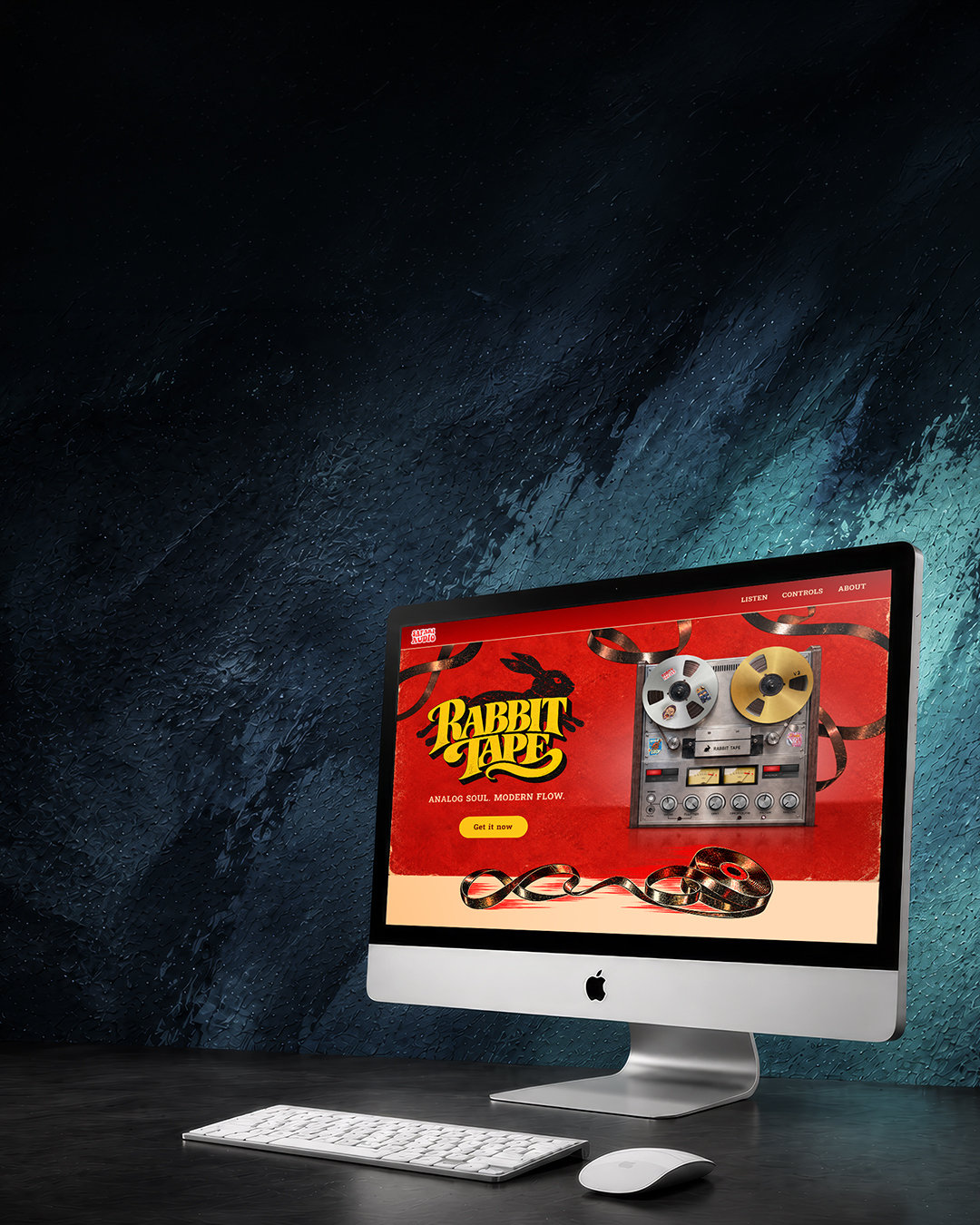
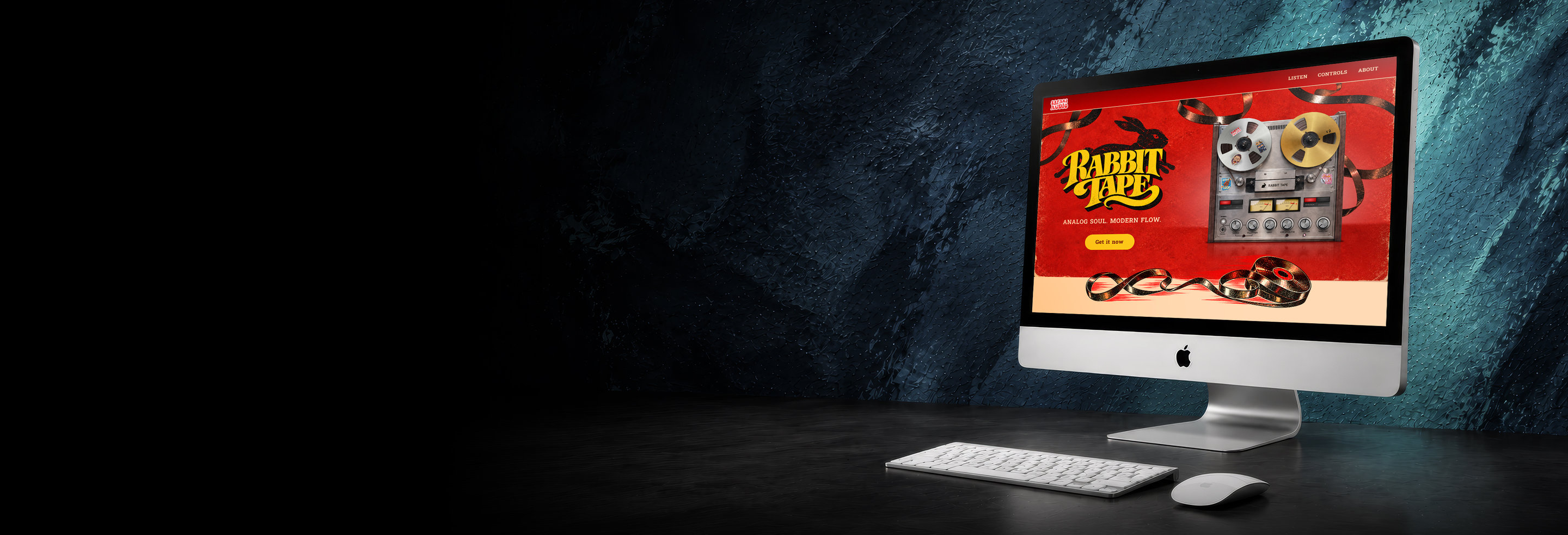
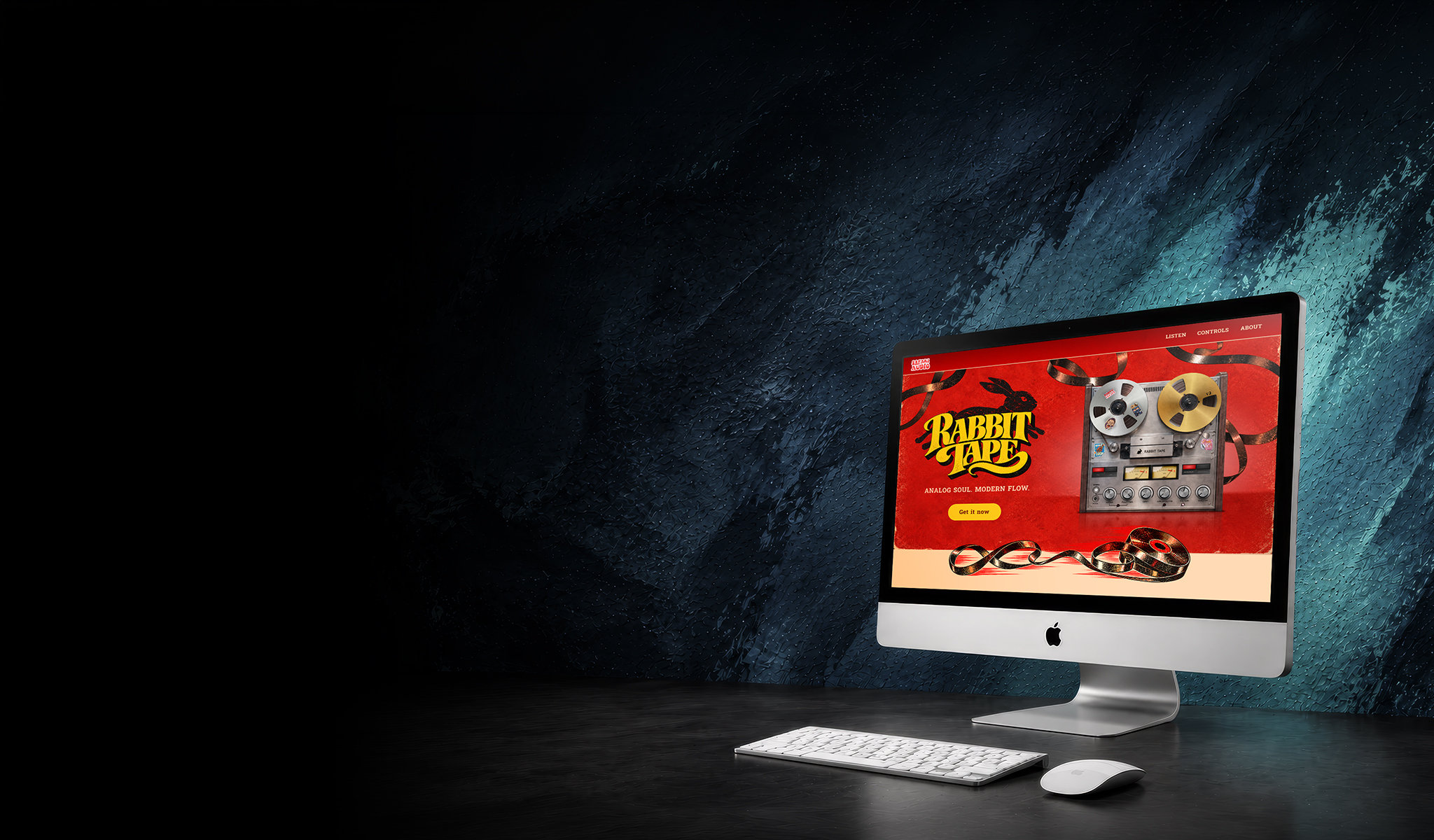
Pair reel-to-reel artwork with a bold red and yellow palette, a short promise, and one focused product call to action.
User Journey
Move from a listening comparison to four controls, session context, and the choice between the plugin and the Safari Audio Vault bundle.
Listening Comparison
Place the before-and-after listening section early so visitors can connect the promise of analog character with a concrete sound example.
Core Page
Rabbit Tape Landing Page
A landing page that introduces the sound, explains the controls, and presents the product in context. Open the full design to explore its desktop, tablet, and mobile versions.

UX Flow & System
Listen First
The “Hear the difference” section places the untreated and processed track side by side, with matching waveform cards and short descriptions.
Four Controls
Wow, Flutter, Grit, and Drop Outs each receive a dedicated card that connects the control to its effect on the sound.
Session Context
“The machine” and “In your session” connect the vintage inspiration with uses ranging from subtle analog sway to a rougher, more expressive sound.
A Clear Next Step
A direct product CTA appears in the hero, while the closing bundle section presents the Safari Audio Vault subscription as another way to access Rabbit Tape.
Key UI Decisions
Warm colors and textured artwork communicate the analog character. Consistent cards, concise headings, and distinct calls to action keep the detailed page easy to scan across screen sizes.
Design Outcome
The responsive designs bring the product image, listening comparison, controls, and purchase options into one visual story. The gallery shows the complete page at three screen widths.